“Connection lost”
The game can repeat the pending request automatically. Let that recovery run and keep the message visible. Several new taps make it harder to tell which response belongs to the action you were waiting for.
Find the last step that worked. A blank window, an empty search and an unconfirmed finish need different checks; keep your current attempt while you narrow the problem.
Start with the homepage’s actual playing window. A visible preview and Play 82-0 button mean the guide has not opened the game yet. Press Play once. Look inside the window for the mode choice, a loading screen or a specific browser message.
Look for a pending indicator or an offered placement before pressing the same button again. If the player list still opens and other controls respond, the unfinished step matters more than the page’s overall appearance. The board checklist helps identify a choice you still need to finish.
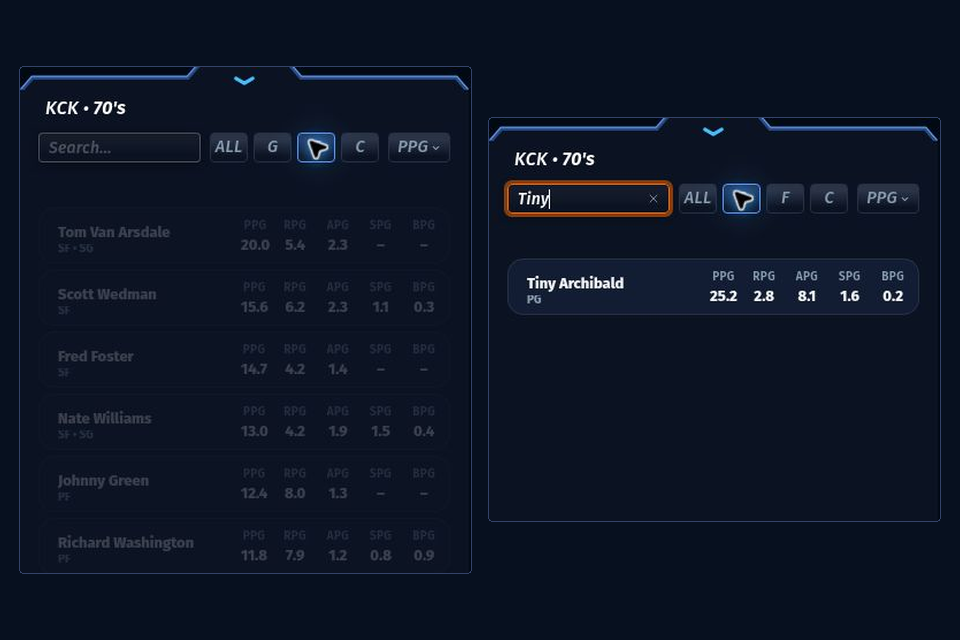
Classic search narrows the supplied candidate pool; it does not search every player in the game. A leftover name fragment can hide otherwise usable cards. Clear the query, return the position filter to ALL if that option is shown, and inspect the broader list.
Then read the current franchise and period. A player who belongs to a different draw will not appear just because you know the name. Check the Classic list controls and TEAM–ERA eligibility before spending a respin on a search assumption.
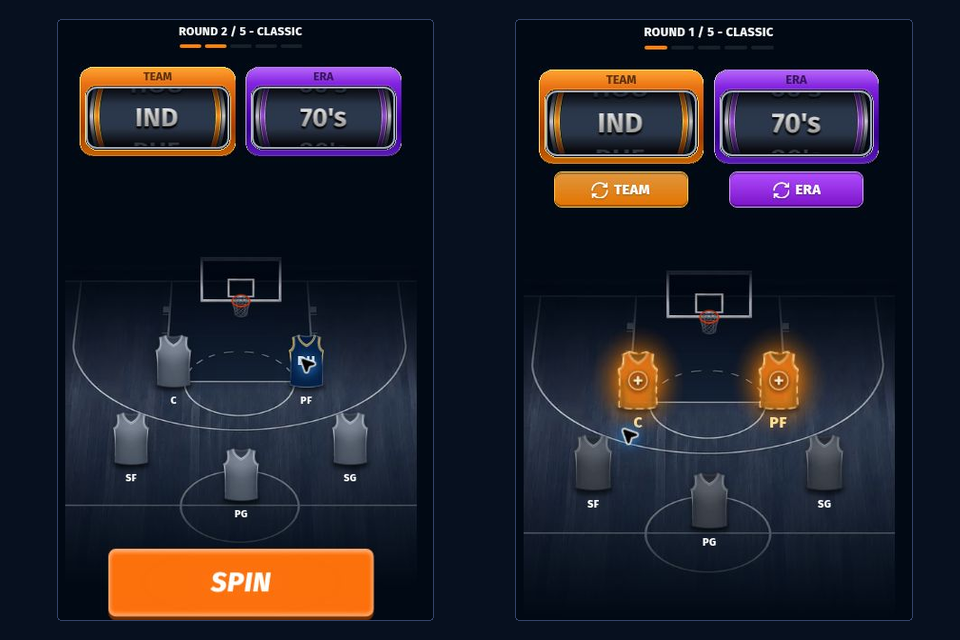
“Could not confirm your score” can occur after the final pick was saved. Keep the five selected cards and use the recovery offered on that screen. An absent score response does not establish that the last selection was rejected.
Write down the finished lineup and the exact result message rather than reporting only “it froze.” The result explanation covers a returned season; it cannot turn an unfinished response into a confirmed record.
| Action | What it does | Before using it |
|---|---|---|
| In-game Retry | Repeats the pending operation when the game offers it | Keep the current message and let one request finish |
| In-game Restart | Discards the run and starts its reset flow | Preserve the attempt if its choices matter |
| Guide Reload | Reopens the same game address | Assume an unfinished draft may restart |
| Clear game-site data | Can remove local settings, identity or session information | Save important records or league data and identify the relevant game context |
For a storage test, compare an allowed clean browser profile before deleting the original context. A working comparison narrows the problem to that setup; it does not identify a particular cookie or extension. Clearing this fan guide’s data alone may leave the embedded game’s state untouched. Privacy explains the separate contexts.
Return with one symptom, one check and the outcome you will watch for.
Play on the homepage →