Privacy: What Loads, What Changes and Where Data Lives
Reading an article, opening a game and clearing browser data affect different parts of a visit. This notice explains those boundaries for this guide and its playing pages.
🔐What this notice covers
This notice covers the 82-0 game guide at 82-0-game.github.io: its articles, local images and page controls. It also explains when a game window begins loading a separate game document. The guide has no registration, comments, purchases or mailing-list form.
The guide’s menu and practice tools keep their choices in the current page rather than a guide account. LiveInternet records visits on every page, and Google AdSense loads on game and guide pages. These services begin their requests when a page opens, independently of Play. A loaded game also handles its own requests and browser data.
🪟Choose a page by when its game loads
01
Homepage, before Play
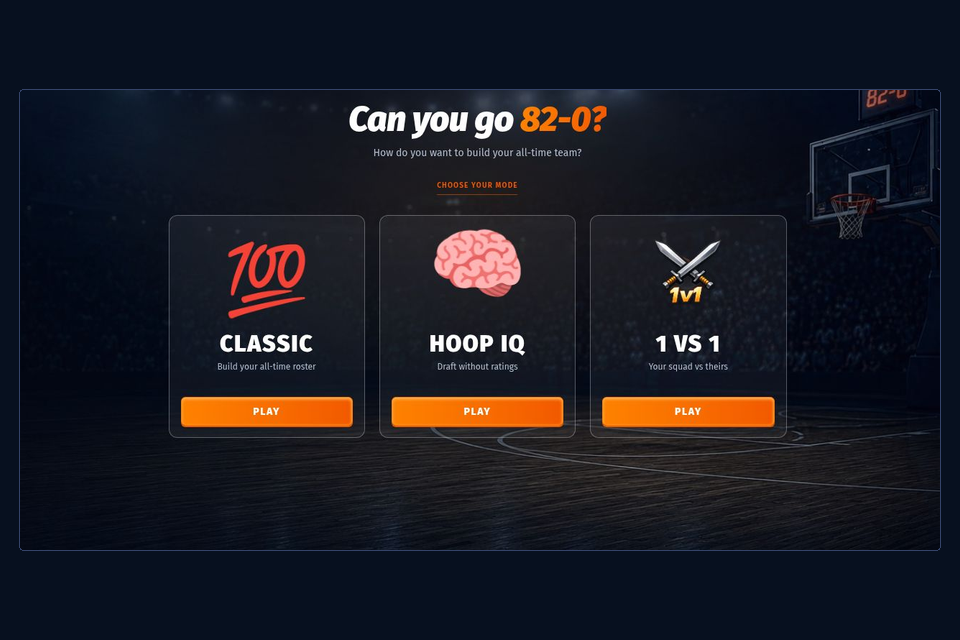
The playing window begins with a local PNG preview. Pressing Play 82-0 requests the guide’s player settings and creates the NBA game window. Reading the homepage with that preview unopened does not start the game through it. Fullscreen alone leaves the preview unopened.
02
Five playable alternatives
Each alternative starts with its own preview and Play button. Scrolling to that preview does not load the game. Press Play on the chosen page to request its player settings and open its window; Reload becomes available after that first start.
03
Guide-only articles
These pages contain no game window. Reading Rules or Stats does not load a playable game here. Following a link to a playing page starts the destination’s loading behavior instead.
🎛️Local controls change the current page
The menu, game-directory filter and practice comparisons keep their interaction state in the page’s memory. They do not submit a draft to the game or save those choices in a guide account. Reloading the article can return a control to its initial setting.
That includes the homepage’s demonstration record reader. Its slider is separate from the result inside the NBA window. Taking a screenshot is also your own device action: the guide has no screenshot-upload form and does not receive the image you capture.
The homepage uses a locally stored game poster before Play. The playing window is created after that action; guide-only articles have no embedded game.
📋Who handles which part of a visit?
Data handling boundaries on guide and playing pages
Part
Handling described here
Separate context
Article and image delivery
The browser requests guide files for display
Hosting delivery and security logs
Menu, filter and practice state
Current-page interactions without guide-added persistent saving
A game’s own settings and result storage
Visit measurement
LiveInternet receives the page address and title, referrer when available, and screen properties
The counter’s own service and browser-data handling
Advertising
Google AdSense loads on game and guide pages when they open
The advertising service’s requests and browser-data handling
Loaded game document
A playing window opens the named game
That game’s requests, sign-in and data controls
Saved capture or league export
The user chooses what to retain on the device
Files, clipboard and services chosen for sharing
🏠Hosting logs are separate from a guide counter
GitHub Pages records visitor IP addresses for security, including visits without GitHub sign-in. This guide does not set the host’s log-retention period. Hosting records are separate from the visit measurement performed by LiveInternet.
💾Game data belongs to the game context
A guest game can still use browser storage. Guest entry describes how you start playing; it is not a promise that no identity, settings or result data is retained. The embedded games have their own account and data behavior, which this guide does not administer.
The browser separates guide and game contexts and can restrict embedded storage. Signing in during one kind of visit does not establish the same state in another browser or context. The guide’s menu cannot inspect your game password, recover a guest identity or delete the game’s saved information.
Deleting this fan guide’s data alone does not necessarily delete a loaded game’s state. Not Working covers comparing a clean context before deleting browser data, while Basketball GM explains which league export categories to retain. About describes the guide’s role.
Choose a guide-only article for reading, and inspect a game’s own controls for its account data.