Proposing a trade
Compare the incoming and outgoing players, assets and payroll. The trade screen offers Propose trade and What would make this deal work? League phase, deadline and tradability can limit the action; an offer can still be refused.
Create a team you can revisit. Read its roster and commitments, advance through the league phases, inspect trade and release decisions, and export the data you want to preserve.
Basketball GM is a management simulation: you keep a team, work through its roster and contracts, and advance a league through seasons. It is a longer alternative to the NBA 82-0 game, where one five-player draft leads to a completed attempt.
For a first league, choose one manageable goal: improve the current team, begin a rebuild or develop players you want to retain. That goal helps you judge the roster before the first trade or free-agent decision.
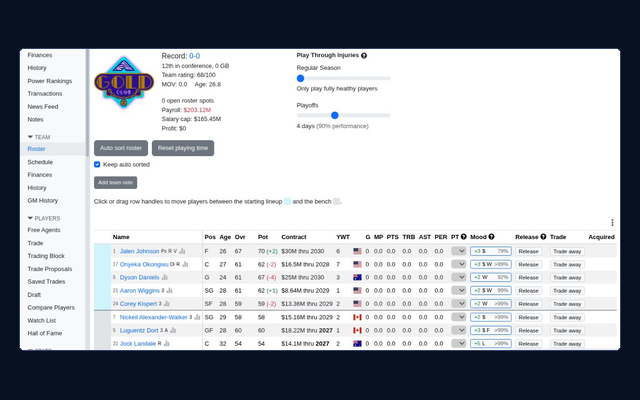
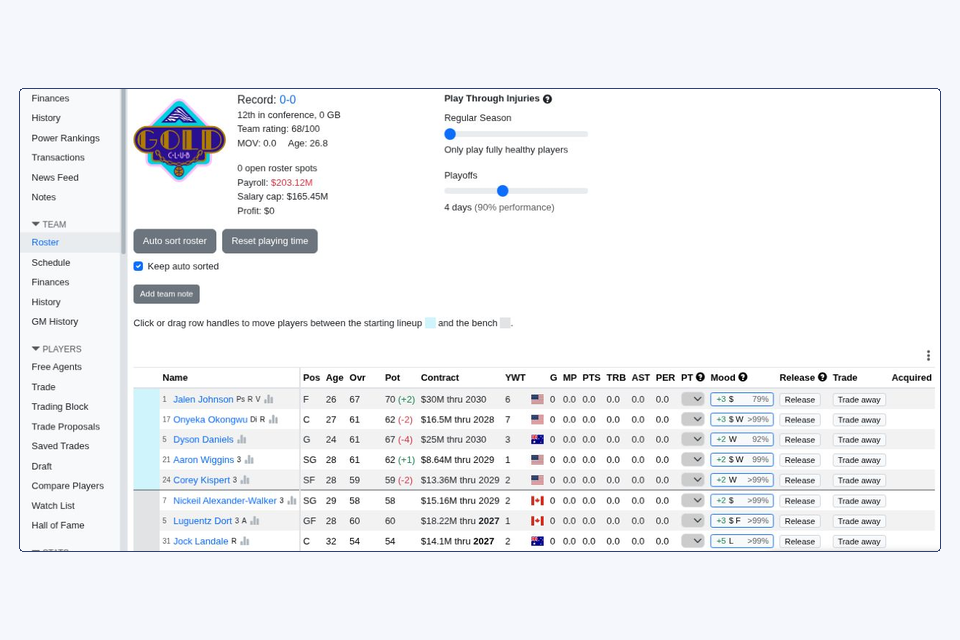
| Inspect | Question before a move |
|---|---|
| Players and roles | Does the full roster cover the jobs needed for games? |
| Contract | What amount is attached to the player? |
| Exp | When does the displayed contract end? |
| Team Finances | Which payroll commitments and league limits apply here? |
Five players take the floor, but your management decisions affect a larger roster. A trade should be judged against the whole group and the commitments it leaves, especially if your aim is to rebuild.
The green Play menu offers actions for the phase your league has reached. Look at that phase before advancing. Moving into a new phase can bring a different decision, not just another game.
Compare the incoming and outgoing players, assets and payroll. The trade screen offers Propose trade and What would make this deal work? League phase, deadline and tradability can limit the action; an offer can still be refused.
In the usual soft-cap setup, releasing a player generally leaves a guaranteed contract on your books until expiry. A rookie released before the regular season is a special case. Inspect the contract and league rules before treating release as financial relief.
Potential is a scouting estimate of a player's possible development, rather than a guaranteed future overall rating. Compare it with current ability, age, the team's needs and the time you are willing to give the player.
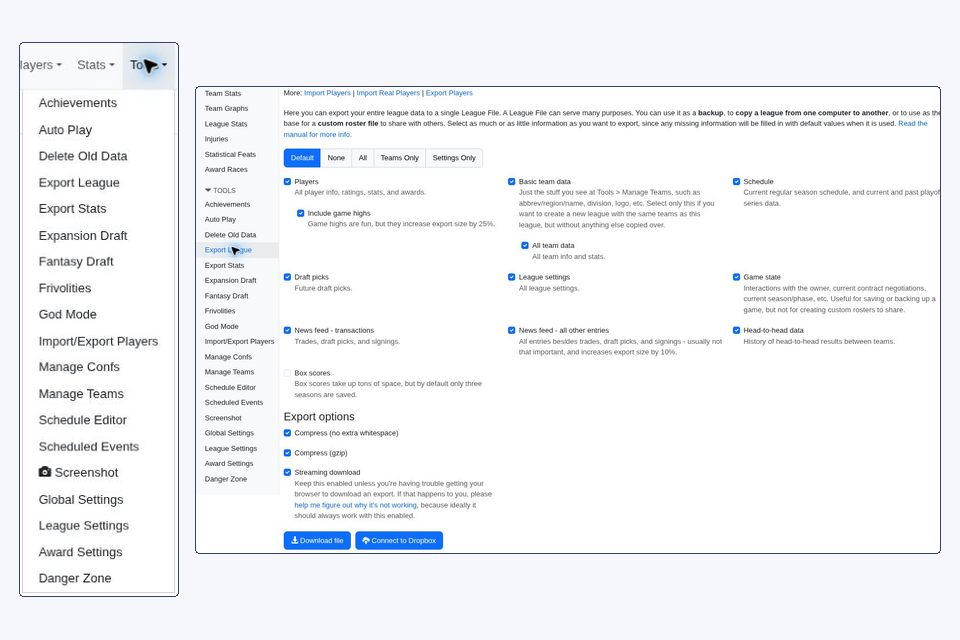
Leagues live in the browser context running the game. Signing into an account does not automatically move league files to cloud storage. Before moving devices or clearing stored data, use Tools → Export League.
A partial export can omit data. Check Players, Teams, League settings and Game state, plus other information you want to retain. The default selection omits box scores, and a previous selection can be remembered.
Store it outside the browser's league data. Choose All when you want all available export categories, including the box scores the league still has.
Create a league from the exported file in the destination browser context. Confirm the intended team, roster and league state before treating the move as complete.
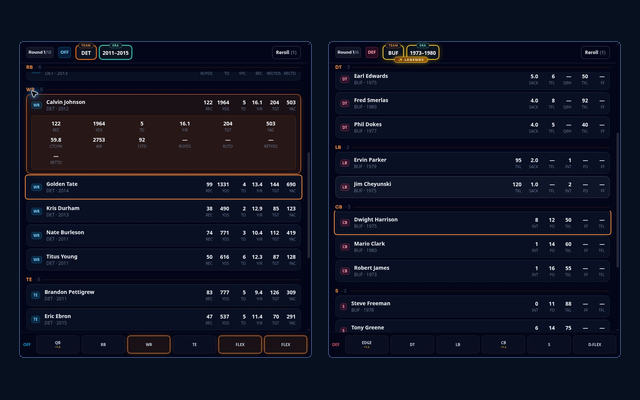
Try football offers with separate offensive and defensive allowances.
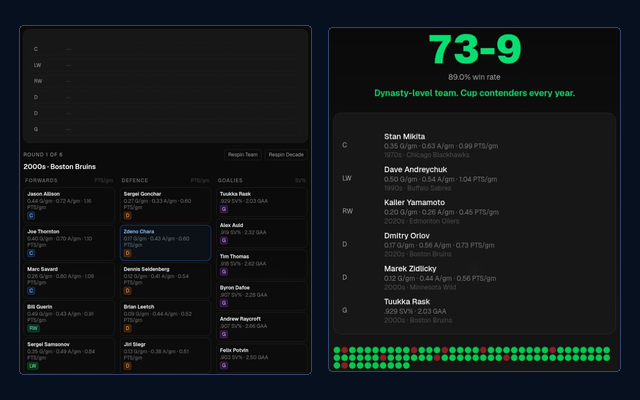
Complete a six-slot hockey roster and inspect its season return.
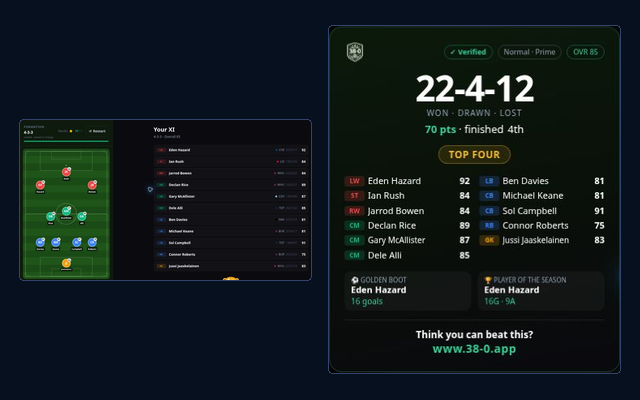
Fill a formation before counting soccer wins, draws and losses.
Use the homepage for a short NBA draft, or keep your league and return to its next management decision.
Play on the homepage →